A guest from Munich searches "Hotel Meran Frühstück", your beautiful new website appears. She clicks, reads the first sentence, and the language switches to Italian. She leaves. A customer from Bolzano searches "negozio vini Bozen" and lands on a page that is grammatically Italian but reads like it was assembled by software. He also leaves. This is the multilingual problem in Südtirol / Alto Adige in two short stories, and it plays out dozens of times a day on local sites across the region.
Why South Tyrol is Different
Südtirol occupies a genuinely unusual position. German is the mother tongue for roughly 70% of the population, Italian for about 25%, and the remaining share is Ladin or various other backgrounds. Add to that the millions of tourists who arrive from Germany, Austria, the Netherlands, Scandinavia, the UK, and the United States, and you have a market that is trilingual at minimum. A website that addresses only one of those audiences is not neutral, it is actively turning people away.
The typical local response is either to publish in German only (which alienates Italian-speaking neighbours and international guests), publish in Italian only (which feels distant to the German-speaking majority), or bolt on a translation widget as a workaround. None of these is good enough when your business depends on the full regional audience.
The Google Translate Widget Trap
I see the translate widget on dozens of local sites, hotels in Merano, Hofläden in the Vinschgau, restaurants in Brixen. The intention is right. The execution creates problems that are invisible to the owner but obvious to every visitor.
- Machine translation of local names, menu terms, and regional expressions often reads as clumsy or outright wrong, a guest notices immediately.
- Google does not index the translated content. The widget runs in the browser after the page loads, so Googlebot sees only the original language. Your Italian page does not exist in Google's eyes.
- Layout breaks are common. A German compound word that is eight syllables long translates to a short Italian phrase, or vice versa, and nav items wrap awkwardly.
- Trust erodes. Mistranslated text signals to a potential customer that the business did not care enough to get the words right.
What Genuinely Localized Content Looks Like
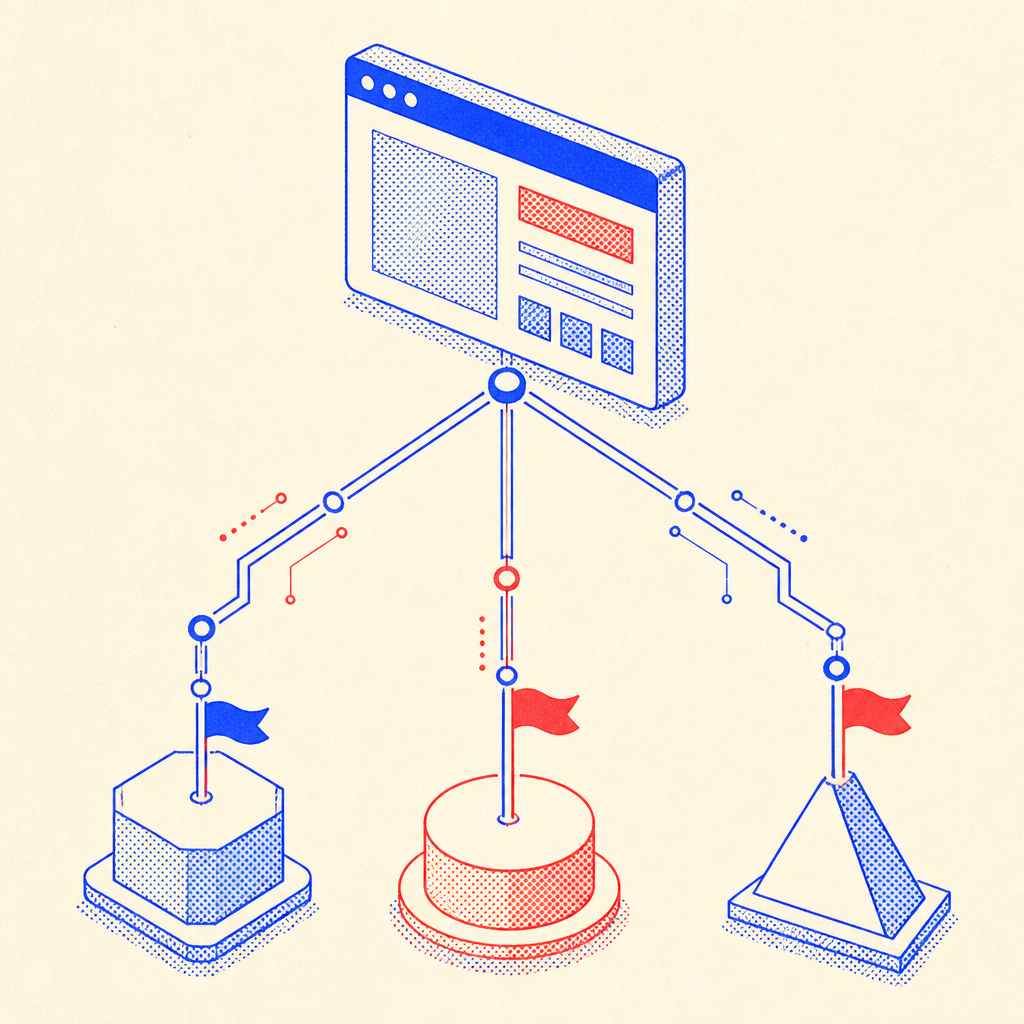
Genuine localization means each language version is a first-class piece of writing. The German page does not feel translated from Italian. The English page does not use idioms that only make sense in a South Tyrolean context. This does not require you to write three separate blog posts from scratch every time, it requires a solid content model and a one-time investment in quality translation.
For small businesses, the most practical approach is to write the primary version in your strongest language, usually German for most local owners, and then have a professional translator handle the other two. AI tools like Claude or DeepL Pro produce very usable drafts today, but they still need a human pass for anything that will be read by paying customers. Regional terms, menu names, and local place names require someone who knows the territory.
The Translation Quality Rule of Thumb
If someone who speaks that language fluently would be embarrassed to have written the text, it is not ready to publish. That is the only bar that matters. Machine output can clear that bar with careful editing. Raw machine output usually cannot.
URL Structure and Why It Matters for SEO
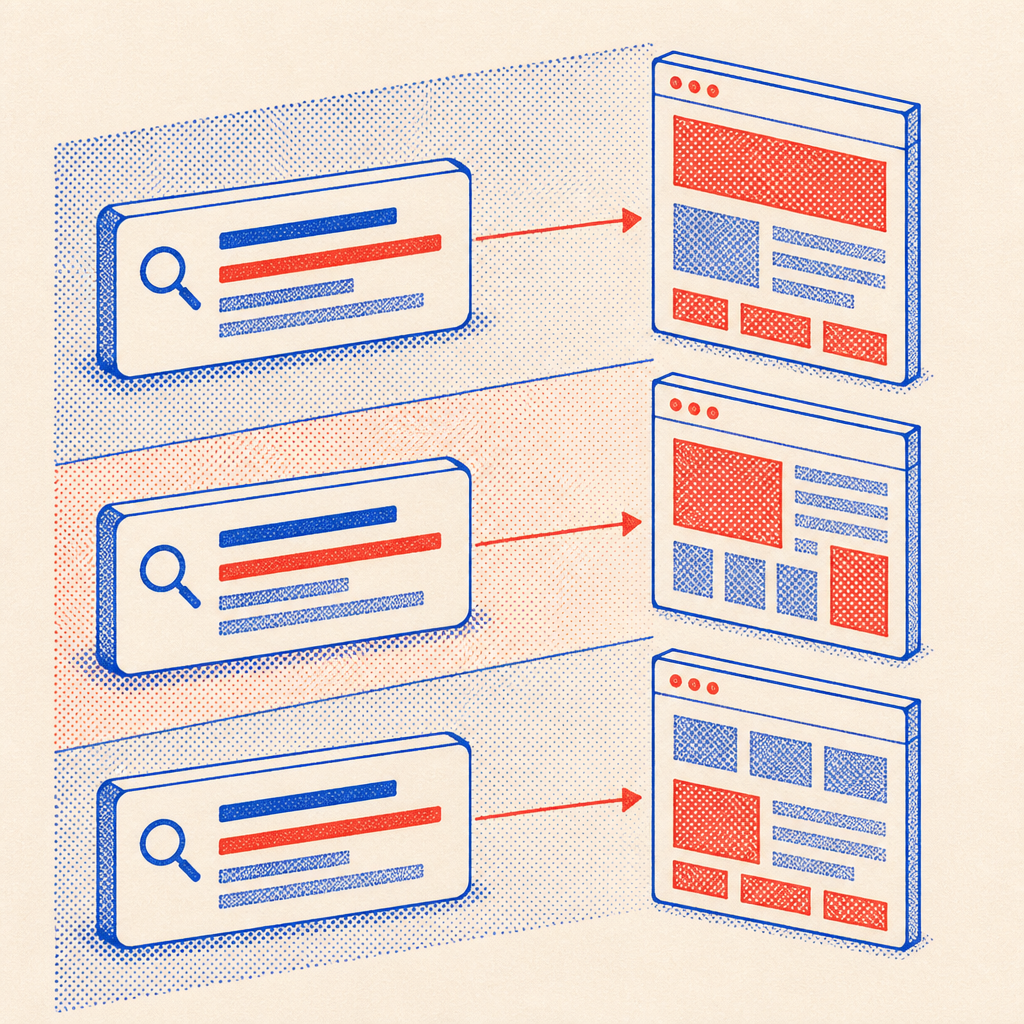
Proper multilingual SEO starts with the URL. When each language lives at its own path, /de/, /it/, /en/, Google treats them as separate pages and can rank each one independently. A hotel in Merano with /de/zimmer ranks for German-language accommodation searches. The same hotel with /it/camere ranks for Italian-language searches. These are different users, different search sessions, and different opportunities.
The alternative, a single URL that serves different languages based on a cookie or browser header, is invisible to search engines. Google canonicalizes to one version, typically English, and the other languages never rank. This is one of the most common and costly multilingual SEO mistakes I see on local sites.
// next.js app/[locale]/layout.tsx, alternates metadata
export async function generateMetadata({ params }: { params: { locale: string } }) {
  const base = 'https://meran-hotel-example.com';
  return {
    alternates: {
      canonical: `${base}/${params.locale}`,
      languages: {
        'de': `${base}/de`,
        'it': `${base}/it`,
        'en': `${base}/en`,
        'x-default': `${base}/de`,
      },
    },
  };
}
The hreflang Tag: Telling Google Which Page Is For Whom
Once you have separate URLs, you tell Google about the relationship between them using hreflang tags in the <head> of each page. A German speaker searching on google.de should land on /de/, not /en/. The hreflang attribute makes that routing explicit. You also set an x-default fallback, usually the primary language, for cases where no match exists.
How This Site Is Built (A Living Example)
This portfolio ships in four languages: English, Italian, German, and Romanian. It uses next-intl with Next.js App Router, which generates fully static pages at build time for each locale. Every page has its own URL, its own metadata, and its own hreflang block. There is no runtime translation, no widget, and no browser-side language switching.
The Romanian is there because it is my own mother tongue and because it demonstrates that the system scales, adding a fourth language required writing the content and adding a single entry to the locale array. The infrastructure does not change. For a local business in South Tyrol, three languages is the right target. Romanian is optional.
// i18n.config.ts, next-intl routing config
import { defineRouting } from 'next-intl/routing';

export const routing = defineRouting({
  locales: ['de', 'it', 'en', 'ro'],
  defaultLocale: 'de',
  localePrefix: 'always',
});

// Result: /de/zimmer, /it/camere, /en/rooms, all crawlable, all ranked separately
Maintenance: One Content Model, Many Locales
A common objection: "Three times the content means three times the work to update." In practice, it is less than twice the work, for two reasons. First, most updates are structural, a new menu item, a changed price, a new photo. Structure is shared across locales. Second, a proper content model keeps all translations in one place, so you update German, then fill in Italian and English alongside it rather than hunting through separate files.
- Start with your primary language and write thorough, well-structured content.
- Build the site with locale-aware routing from day one, retrofitting is painful.
- Translate with quality in mind: professional translator or carefully edited AI draft.
- Add
hreflangand canonical tags to every page before launch. - Check indexed URLs in Google Search Console for each language after launch.
- Revisit translations once a year, especially for seasonal offers and menu items.
A website in South Tyrol that speaks only one language is like a shopkeeper in Bozen who turns away every other customer at the door. The region is bilingual by law and trilingual by trade, your site should be too.
If you run a business in Südtirol and your site is still serving one language or relying on a widget, I am happy to talk through what a proper rebuild or retrofit would look like. The investment is smaller than most people expect, and the difference in how your site reads, and ranks, is significant. Reach out through the contact page.