Most developers use AI coding tools the same wrong way. They open a chat, type a vague sentence, and expect working software to come out the other end. When it does not, they blame the model. The model is not the problem. The workflow is. I have been running AI-assisted development in production for long enough to have a system, and the core insight is simple: prompting has two distinct stages, and almost nobody separates them.
Stage one is a conversation with a thinking model (Claude Opus 4.8, GPT-5.5) about the idea. Not about code. About constraints, edge cases, your stack, your conventions, what this feature should and should not do. At the end of that conversation, you ask the model to write a precise build specification for a coding agent. Stage two is handing that spec to the agent (Claude Code, Cursor) and letting it plan and execute. The thinking model is the architect. The coding agent is the builder.
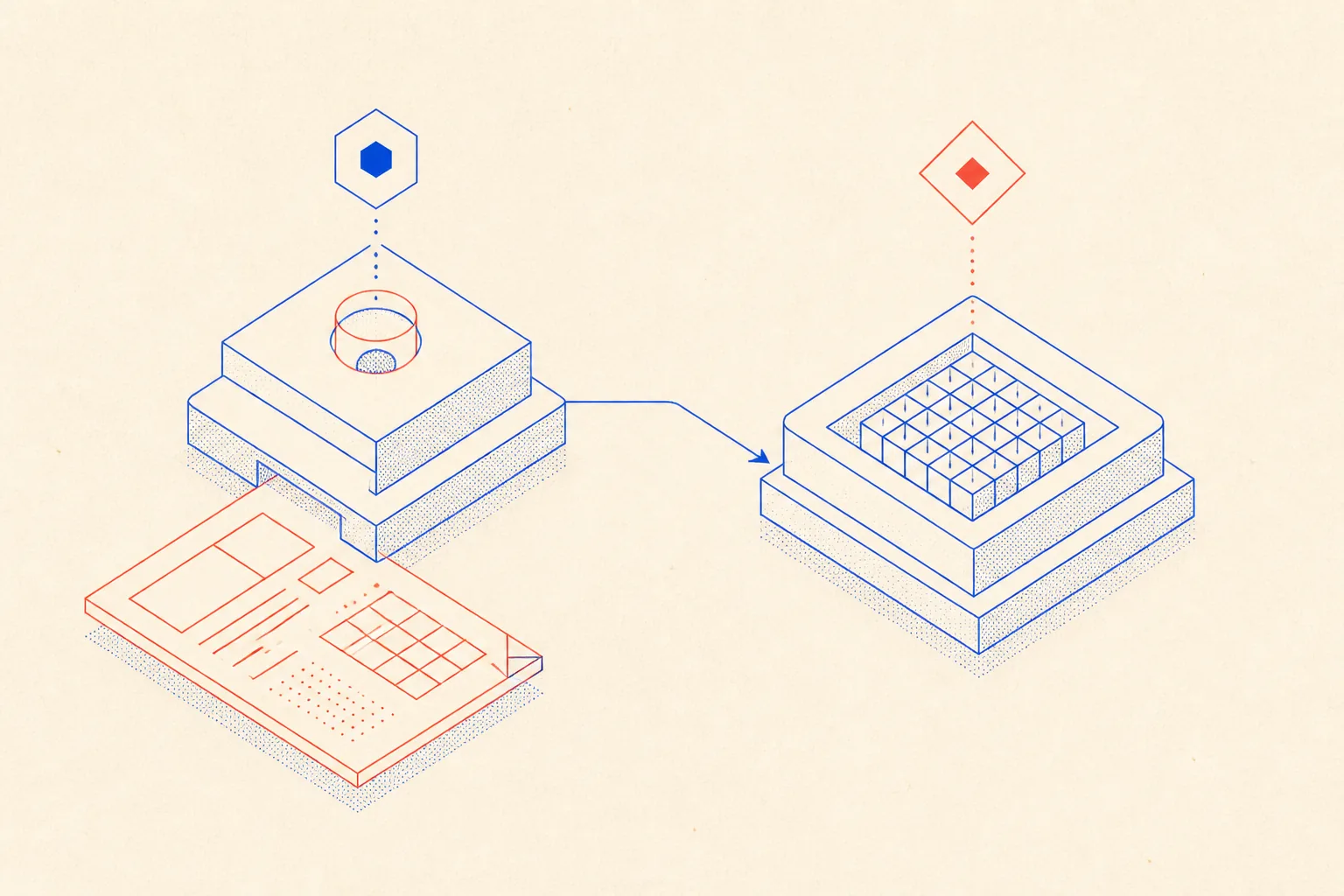
Why a Vague Prompt Yields Plausible Mush
A language model will always produce something. That is the problem. Ask it to "add a bookmark feature" and it will write code, confidently, against whatever assumptions it fills in from its training data. It does not know you are on Next.js 15 App Router, that you use Prisma with MySQL, that your auth is NextAuth v5, that you deploy on Hetzner via Ploi, or that you banned class components six months ago. It makes reasonable guesses and produces plausible mush: syntactically correct code that does not fit your project.
Signal density is the variable. Every constraint you omit is a decision the model makes for you without your knowledge. The only fix is to encode the relevant context before any code is written, and the most reliable way to do that is a structured conversation followed by a written spec.
Stage One: Conversation with the Thinking Model
I open Claude or ChatGPT and describe the idea in plain language. Not a prompt. A description. What I want to build, why, who uses it, what the constraints are. I ask the model questions back: what could go wrong? What edge cases am I missing? What should this feature explicitly not do? This conversation surfaces assumptions I did not know I was making.
Then I give the model a meta-prompt: a structured instruction telling it to produce a build specification for a coding agent, encoding my full stack and conventions. Here is the meta-prompt I use:
You are a senior software architect and technical writer.
I need you to turn the following idea into a precise build specification
for an AI coding agent (Claude Code / Cursor).

MY STACK:
- Next.js 15 (App Router, TypeScript, Tailwind CSS 4)
- Database: MySQL via Prisma 6. Schema in prisma/schema.prisma.
- Auth: NextAuth v5 with JWT strategy. Session helpers in src/lib/auth.ts.
- Deploy: Hetzner VPS managed by Ploi, Cloudflare CDN in front.
- No class components. No pages/ directory. No getServerSideProps.

IDEA:
[describe your feature here in plain language]

CONSTRAINTS:
- [any non-obvious edge cases, business rules, or perf requirements]

PRODUCE:
1. A one-paragraph summary of what will be built and why.
2. A list of every file that will be created or modified, with a one-line
   description of the change.
3. Numbered acceptance criteria the agent can verify by running
   'npx tsc --noEmit' and 'npm test'.
4. Any migration steps needed (Prisma schema changes, seed data, env vars).
5. Explicit out-of-scope items so the agent does not overshoot.

Output the spec in markdown. Do NOT write any code yet.
The key constraint in that meta-prompt is "Do NOT write any code yet." You want the thinking model doing architecture work, not implementation. If it starts writing code, it has moved into the wrong mode. Keep it on the spec.
Stage Two: The Agent Spec
What comes out of the thinking model is a markdown document the coding agent can actually act on. It names every file that will change, lists verifiable acceptance criteria, and calls out what is out of scope. The agent no longer needs to guess. Here is what a real spec looks like for a bookmark feature:
# Build Spec: Bookmark Feature

## Summary
Add a per-user bookmark system so authenticated users can save posts.
Bookmarks are stored in MySQL, surfaced in a new /bookmarks page,
and toggled from individual post pages via a server action.

## Files

- prisma/schema.prisma          add Bookmark model (userId, postSlug, createdAt)
- prisma/migrations/...         generated migration, run before deploy
- src/app/bookmarks/page.tsx    new page, server component, lists user bookmarks
- src/app/actions/bookmarks.ts  server actions: toggleBookmark, getUserBookmarks
- src/components/BookmarkButton.tsx  client component, optimistic UI
- src/app/blog/[slug]/page.tsx  import and render BookmarkButton

## Acceptance Criteria

1. 'npx prisma migrate dev' runs without error on a clean dev database.
2. 'npx tsc --noEmit' passes with zero errors.
3. 'npm test' passes: unit tests for toggleBookmark cover unauthenticated
   call (must throw), duplicate toggle (idempotent remove), and success path.
4. Visiting /bookmarks as an unauthenticated user redirects to /login.
5. Clicking BookmarkButton on a post toggles the filled/outline icon
   without a full page reload (optimistic update via useOptimistic).

## Out of Scope
- Bookmark folders or tags.
- Public bookmark lists.
- Any change to the existing post rendering pipeline.
Notice the acceptance criteria are machine-checkable. The agent can run npx tsc --noEmit and npm test and get a pass or fail. It does not need to make judgment calls about whether the feature is done. The spec defines done.
- Every file listed gives the agent a scope boundary. It knows what to touch and what to leave alone.
- The out-of-scope section is as important as the in-scope section. It prevents the agent from gold-plating.
- The migration step is explicit. The agent will not guess at database changes.
- Acceptance criteria that reference actual commands give the agent a self-verification loop.
Markdown Memory: The AGENTS.md File
Here is a fact about AI coding agents that most people learn the hard way: they have no memory between sessions. The agent that built your auth middleware last week does not know it exists today. Without persistent context, it will invent a different pattern, violate your naming conventions, or import a library you banned.
The solution is an AGENTS.md file at the project root. This is not documentation for humans. It is working memory for the agent, loaded at the start of every session. It encodes your stack, your conventions, the commands to run, and the patterns to avoid. Because it lives in the repository and is version-controlled, it stays current as the project evolves.
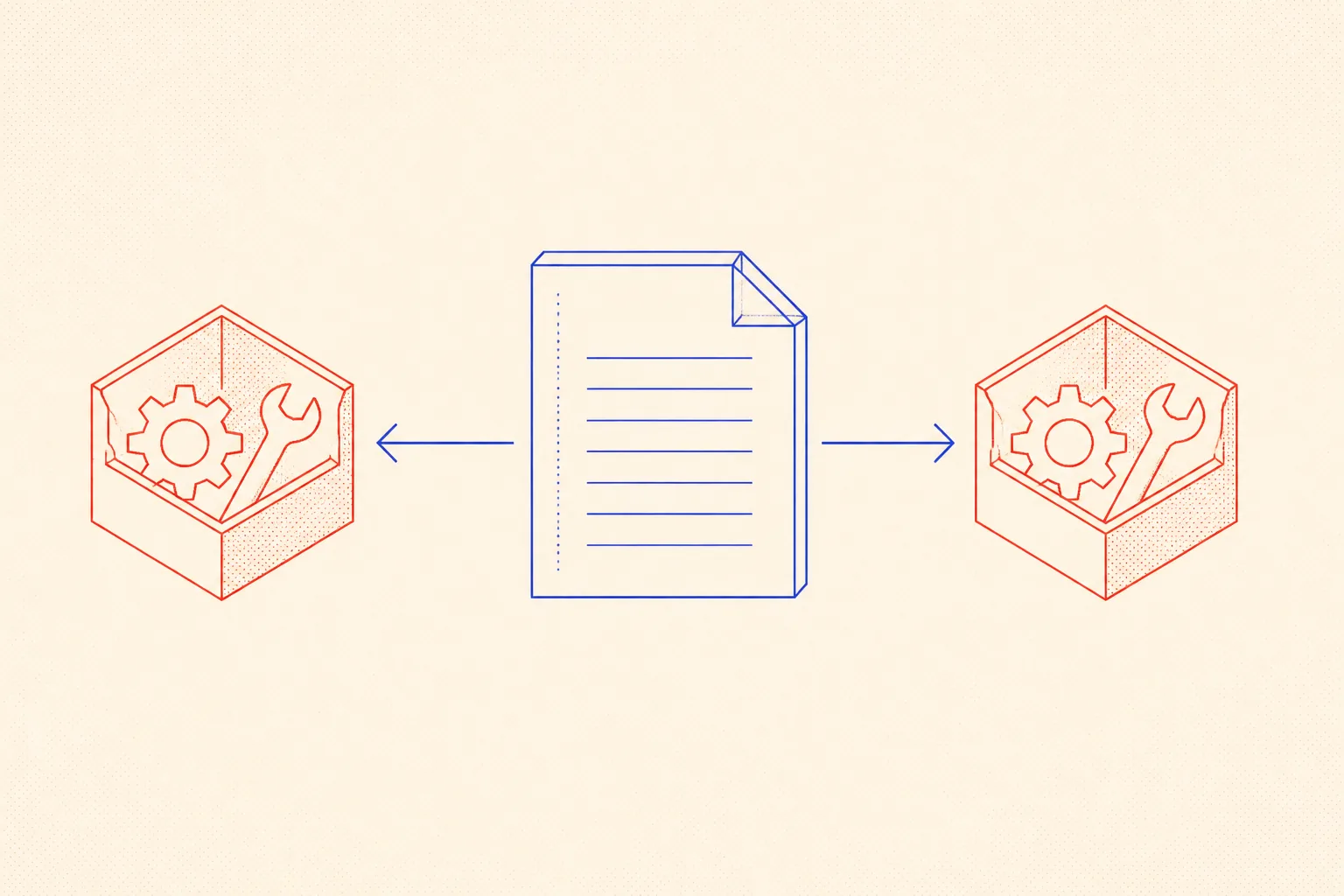
Here is a minimal AGENTS.md for my typical Next.js stack:
# AGENTS.md - Stack and Conventions

## Stack
- Next.js 15, App Router only. No pages/ directory.
- TypeScript strict mode. No 'any'. Use 'unknown' and narrow.
- Tailwind CSS 4 for styling. No inline style props.
- Prisma 6 with MySQL. Schema: prisma/schema.prisma.
- NextAuth v5 - session helpers in src/lib/auth.ts. Do not re-implement auth.
- Deploy: Ploi on Hetzner, Cloudflare in front.

## Conventions
- Server components by default. Add 'use client' only when necessary.
- Server actions in src/app/actions/. One file per domain (bookmarks.ts, etc.).
- Shared UI in src/components/. Page-specific UI co-located with the page.
- Tests in __tests__/ next to the file under test.

## Commands
  npm run dev          start dev server
  npm run build        production build
  npm test             run vitest
  npx tsc --noEmit     type-check only

## Do NOT
- Use getServerSideProps, getStaticProps, or pages/api routes.
- Import server-only modules in client components.
- Use process.env directly in components - use src/lib/config.ts.
Once that file exists, you never re-type your stack to the agent. The meta-prompt I use to generate specs also references it directly: when I describe my stack in the thinking model conversation, I am updating the AGENTS.md at the same time. The two documents stay in sync. The thinking model uses the stack to write a correct spec. The coding agent reads AGENTS.md to execute it correctly.
Verifying the Result in a Separate Pass
After the agent delivers the implementation, do not ask the same session to verify it. The context is biased: it has a model of what it intended to write, and that model will cause it to overlook what it actually wrote. Start a fresh session, load AGENTS.md, load the diff, and give the agent a verification prompt: review the changes against AGENTS.md, report violations, missing tests, type errors, and logic bugs, do not suggest improvements.
The fresh context reads what is actually there. It has no attachment to the previous session's intent. Combined with the machine-checkable acceptance criteria from the spec, this two-pass approach catches most issues before they reach review.
The Full Loop
Put it together: you have a conversation with a thinking model about the idea, you produce a build spec using the meta-prompt, you hand the spec to the coding agent alongside AGENTS.md, the agent builds and self-verifies against the acceptance criteria, then you run a separate verification pass in a fresh session. Five steps, each with a clear input and output.
This is slower than typing a one-liner into a chat window. It is faster than debugging code the agent wrote against wrong assumptions, fighting type errors the spec would have caught, and explaining to your team why the bookmark feature stores state in a Context provider instead of a server action. The spec work is leverage. It pays back at the implementation stage and again at review.
- Conversation with thinking model: describe the idea, surface constraints and edge cases.
- Meta-prompt: ask the thinking model to produce a build spec for the coding agent.
- Spec review: iterate on the spec until the acceptance criteria are machine-checkable.
- Agent execution: hand the spec and AGENTS.md to the coding agent.
- Separate verification pass: fresh session, AGENTS.md, diff, verification prompt.
The thinking model is doing architecture work. The coding agent is doing implementation work. You are doing judgment work: deciding when the spec is good, when the implementation is acceptable, when to iterate and when to ship. That division of labor is what makes this system reliable.