Every project accumulates media. NearYou stores location thumbnails, user avatars, event banners. The reflex is to reach for S3, pay the request tax, and accept that every image served from a different origin costs you a CORS preflight and a latency budget. There is a better default for the early stage of a product: MinIO, running in the same Docker Compose stack as your application, speaking the S3 API natively.
The S3 API is not Amazon's property. It is a de facto standard. The @aws-sdk/client-s3 package does not care whether the endpoint is s3.amazonaws.com or localhost:9000. You point it at MinIO and the same PutObjectCommand and GetObjectCommand calls work identically. When NearYou eventually graduates to a managed bucket, the migration is one environment variable.
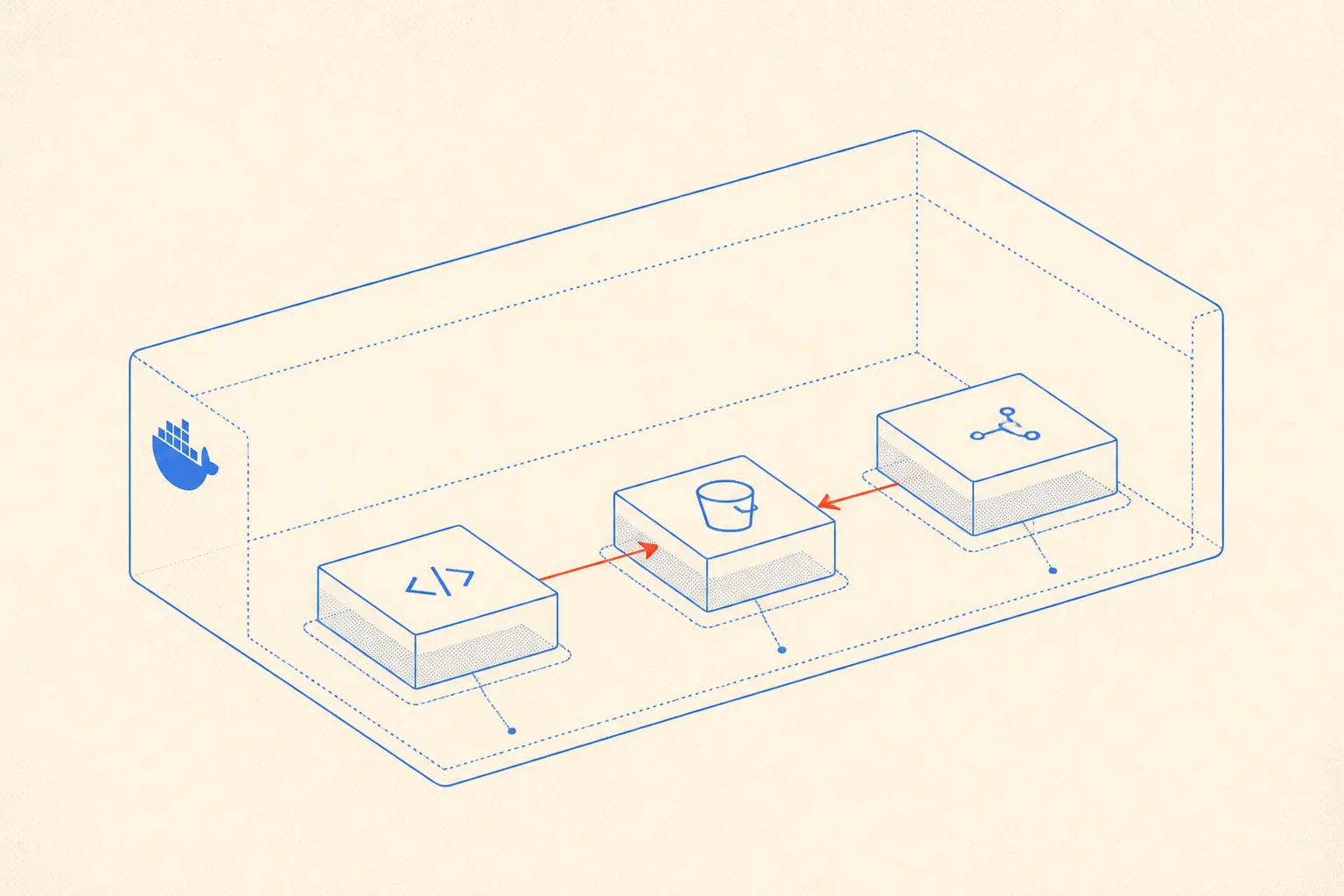
One Container in the Stack
The Compose snippet is small. MinIO publishes two ports: 9000 for the S3 API and 9001 for the browser console. The console is useful during development. You mount a local volume so data survives container restarts.
services:
  minio:
    image: quay.io/minio/minio:RELEASE.2025-04-08T15-41-24Z
    command: server /data --console-address ":9001"
    environment:
      MINIO_ROOT_USER: ${MINIO_ROOT_USER}
      MINIO_ROOT_PASSWORD: ${MINIO_ROOT_PASSWORD}
    ports:
      - "9000:9000"
      - "9001:9001"
    volumes:
      - minio_data:/data
    healthcheck:
      test: ["CMD", "curl", "-f", "http://localhost:9000/minio/health/live"]
      interval: 10s
      timeout: 5s
      retries: 3

  api:
    build: .
    environment:
      S3_ENDPOINT: http://minio:9000
      S3_ACCESS_KEY: ${MINIO_ROOT_USER}
      S3_SECRET_KEY: ${MINIO_ROOT_PASSWORD}
      S3_BUCKET: nearyou-media
    depends_on:
      minio:
        condition: service_healthy

volumes:
  minio_data:
Inside the api container, MinIO is reachable at http://minio:9000 because both services share the default Compose network. No public exposure needed for internal writes. The bucket name is just a string you create once via the console or the MinIO client CLI (mc mb myminio/nearyou-media).
Uploading from TypeScript
The upload path in NearYou is a thin wrapper around the AWS SDK v3. The key insight is forcePathStyle: true. AWS uses virtual-hosted-style URLs (bucket.host/key). MinIO in a local environment uses path-style (host/bucket/key). Without that flag you will get DNS resolution errors that are not immediately obvious.
import {S3Client, PutObjectCommand, GetObjectCommand} from '@aws-sdk/client-s3';
import {getSignedUrl} from '@aws-sdk/s3-request-presigner';

const s3 = new S3Client({
  endpoint: process.env.S3_ENDPOINT,         // http://minio:9000 locally
  region: 'us-east-1',                       // MinIO ignores this; SDK requires it
  credentials: {
    accessKeyId: process.env.S3_ACCESS_KEY!,
    secretAccessKey: process.env.S3_SECRET_KEY!,
  },
  forcePathStyle: true,                      // required for MinIO
});

const BUCKET = process.env.S3_BUCKET ?? 'nearyou-media';

export async function uploadMedia(
  key: string,
  body: Buffer | Uint8Array,
  contentType: string,
): Promise<void> {
  await s3.send(
    new PutObjectCommand({
      Bucket: BUCKET,
      Key: key,
      Body: body,
      ContentType: contentType,
    }),
  );
}

export async function getPresignedReadUrl(key: string, expiresIn = 3600): Promise<string> {
  return getSignedUrl(
    s3,
    new GetObjectCommand({Bucket: BUCKET, Key: key}),
    {expiresIn},
  );
}
The region field is a quirk. MinIO does not enforce regions, but the AWS SDK client will refuse to sign requests without one. us-east-1 is conventional and harmless. When you point the same code at a real AWS bucket later, the region must match the actual bucket region.
Proxying Public Reads Through /api/media/*
Serving files directly from http://minio:9000 means every client request leaves your application domain. You lose: same-origin caching, Cache-Control headers you control, access checks before delivery, and the option to rewrite keys without changing URLs. The proxy route costs one extra hop inside your server but buys all of those back.
In a Next.js Route Handler, the pattern is straightforward. The handler fetches from MinIO over the internal network, streams the response to the client, and forwards the content type. You can gate access with your normal auth middleware before the fetch ever fires.
// src/app/api/media/[...key]/route.ts
import {NextRequest, NextResponse} from 'next/server';
import {GetObjectCommand} from '@aws-sdk/client-s3';
import {s3} from '@/lib/s3';                // the client from the snippet above
import {Readable} from 'node:stream';

const BUCKET = process.env.S3_BUCKET ?? 'nearyou-media';

export async function GET(
  _req: NextRequest,
  {params}: {params: {key: string[]}},
) {
  const key = params.key.join('/');

  let object;
  try {
    object = await s3.send(new GetObjectCommand({Bucket: BUCKET, Key: key}));
  } catch (err: unknown) {
    if ((err as {name?: string}).name === 'NoSuchKey') {
      return new NextResponse('Not found', {status: 404});
    }
    throw err;
  }

  const contentType = object.ContentType ?? 'application/octet-stream';
  const stream = object.Body as Readable;

  return new NextResponse(stream as unknown as ReadableStream, {
    headers: {
      'Content-Type': contentType,
      'Cache-Control': 'public, max-age=31536000, immutable',
    },
  });
}
The Cache-Control: immutable header means browsers and CDNs will not re-request an asset once cached. That only works if your keys are content-addressed (include a hash or version segment). For NearYou media, keys follow the pattern events/{eventId}/{hash}.webp. The eventId is stable, the hash changes when the image changes.
No Egress Meter
The reason self-hosted storage makes sense in the early phase of a product is not latency or control, though both help. It is cost predictability. AWS S3 charges per request and per GB transferred. When you are iterating fast, adding image formats, resizing on the fly, and serving previews in dashboards, the request count climbs before you notice. MinIO on a box you are already paying for adds zero to that line item.
NearYou runs on a Hetzner dedicated server. The monthly cost for that machine is fixed. Every image served through the proxy route is internal bandwidth. The only external bandwidth is what the Hetzner uplink carries to the end user, which is metered separately but generously. For a product in the hundreds-of-users range, self-hosted storage is the right default.
You do not need egress-metered storage until your storage bill becomes a meaningful fraction of your revenue. Before that point, the S3 API compatibility of MinIO gives you the migration path without the cost.
Migration Path to a Cloud Bucket
Because the application code uses the S3 API uniformly, the migration to a real S3 bucket, R2, or Tigris is an environment variable change. The three things you need to verify before flipping the switch are:
- forcePathStyle must be
falsefor AWS S3 and R2 (they use virtual-hosted-style URLs). - Region must match the actual bucket region for AWS. R2 and Tigris use a fixed placeholder.
- Credentials must be replaced with bucket-scoped IAM keys, not root credentials.
The data migration itself is a mc mirror command. MinIO Client (mc) speaks the S3 API and can mirror between two endpoints: mc mirror myminio/nearyou-media s3prod/nearyou-media. Run it with --watch to drain the backlog while traffic still hits MinIO, then cut over. Downtime is a single restart of the API container with the new environment variables.
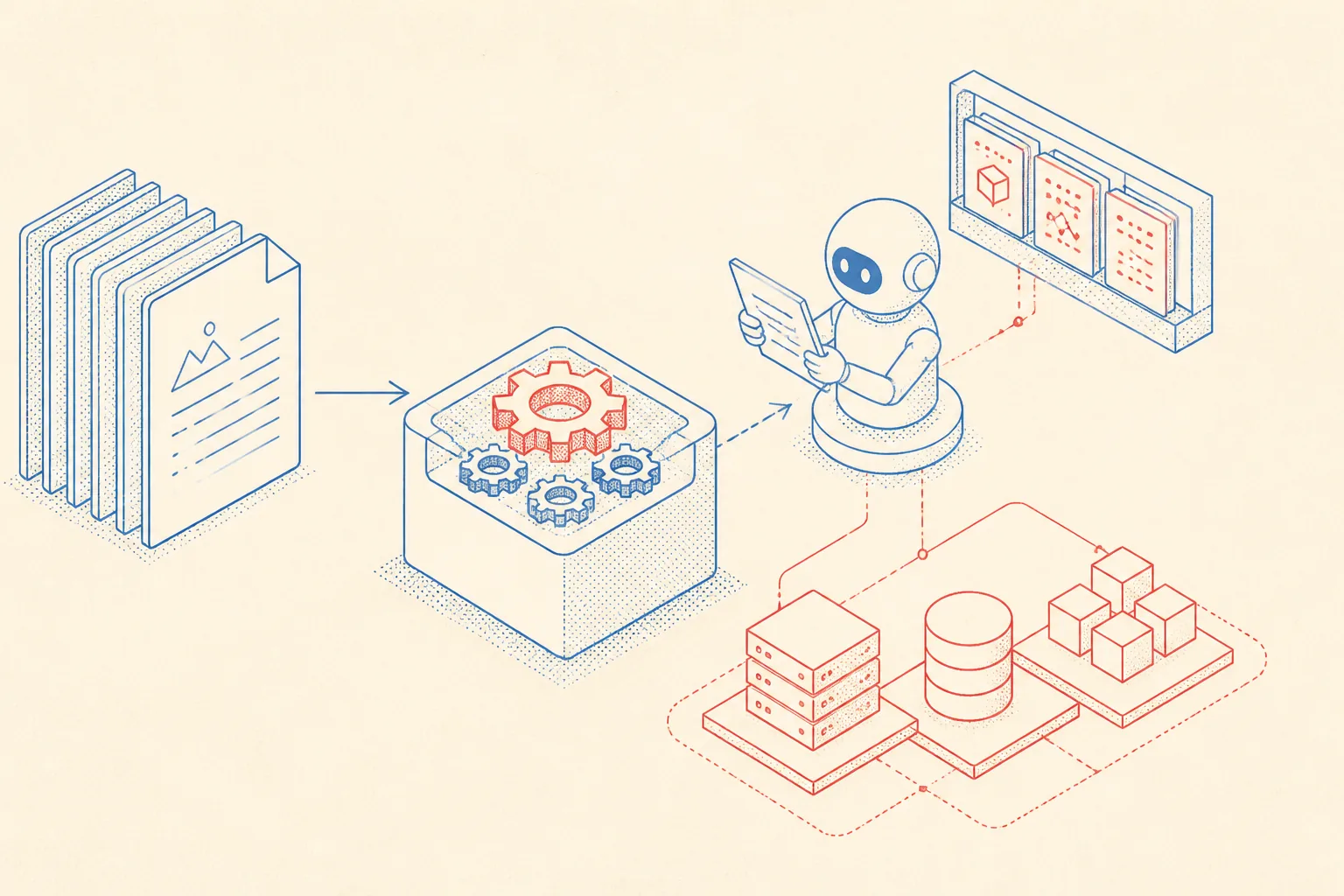
Letting an AI Agent Operate This Without Losing Its Mind
An AI coding agent working on NearYou across multiple sessions has no persistent memory by default. It will forget that MinIO is in the stack, forget the forcePathStyle requirement, and forget that the proxy route exists. The fix is to keep a short, precise infrastructure doc in the repository that the agent reads at the start of every session.
The doc lives at AGENTS.md or a dedicated docs/infra/storage.md. It is not a tutorial. It is a lookup table for things the agent needs to act correctly: service names, port conventions, key patterns, known gotchas, and commands for common operations. The agent reads it, reconstructs context, and operates reliably without you having to re-explain the setup in the chat window.
Here is the storage section from NearYou's infra docs. It is kept short on purpose. The agent does not need prose; it needs facts it can act on.
# Storage (MinIO / S3)

## Service
- Compose service name: `minio`
- Internal S3 endpoint: `http://minio:9000`
- Console (dev only): `http://localhost:9001`
- Bucket: `nearyou-media`

## SDK conventions
- Client: `@aws-sdk/client-s3` v3
- Always set `forcePathStyle: true` for local MinIO
- Set `forcePathStyle: false` if endpoint is AWS or Cloudflare R2
- Region: use `us-east-1` placeholder (MinIO ignores it)
- Client singleton: `src/lib/s3.ts`

## Key schema
- Events: `events/{eventId}/{sha256}.webp`
- Avatars: `avatars/{userId}/{sha256}.webp`
- Keys are content-addressed, never mutate a key after upload

## Public reads
- All reads go through `/api/media/[...key]` route handler
- Cache-Control: `public, max-age=31536000, immutable`
- MinIO port 9000 is NOT exposed publicly on the server

## Common commands
- Create bucket: `mc mb myminio/nearyou-media`
- Mirror to cloud: `mc mirror --watch myminio/nearyou-media s3prod/nearyou-media`
- List bucket: `mc ls myminio/nearyou-media`

## Cloud migration checklist
1. Set `forcePathStyle=false` in env
2. Update `S3_ENDPOINT` to cloud bucket URL
3. Replace root credentials with scoped IAM keys
4. Verify region matches bucket
5. Run `mc mirror`, then restart API container
When a new session starts and the agent is asked to add a new media type or debug a 403 on an upload, it reads this file first. It knows the client singleton is in src/lib/s3.ts, it knows the key schema, and it knows not to touch the forcePathStyle flag without checking the current endpoint. That is the whole point: the markdown file is the agent's long-term memory for this subsystem.
The same pattern scales to other infrastructure components. One file per subsystem, kept tight and factual. The agent accumulates operational knowledge in the repository, not in your chat history.
What This Buys You
- S3 API compatibility with no lock-in: swap endpoint, change one env var.
- Zero egress billing for internal media during early development and growth.
- Same-origin proxy with
Cache-Control: immutableso browsers and CDNs behave correctly. - Access control at the proxy layer, before any bytes leave the server.
- Predictable migration:
mc mirrorplus a container restart, no code changes. - Agent-operable infra through a concise markdown doc that reconstructs context reliably.
The default setup for a new product should be the simplest thing that works and stays out of the way. MinIO in a Compose stack with a proxy route is exactly that. It disappears into the background, costs nothing extra, and does not close any doors.