WordPress powers 43 percent of the web and causes a disproportionate share of client support calls. I know because I spent two years building and maintaining WordPress sites before switching every new project to Next.js. The switch is not about ideology. It is about time, security, and what a site actually scores on Core Web Vitals.
The Plugin and Security Patching Treadmill
A typical WordPress project ends up with 15 to 25 plugins. Each plugin is a separate dependency with its own release cadence, its own author, and its own history of CVEs. WordPress core itself ships security patches on short notice. When a critical vulnerability drops, you have a narrow window: patch fast or get owned.
The Wegweiser Leben site was my first serious migration target. It had a page builder, three SEO plugins that partially overlapped, a caching plugin that conflicted with the hosting CDN, and a forms plugin that had been flagged twice for XSS. Every month felt like a game of "which update will break the layout today." The client was paying for maintenance, not for a reliable site.
- Plugin A updates, breaks Plugin B's CSS injection.
- PHP version bumped by host, two plugins throw fatal errors.
- WordPress core security patch, page builder not yet compatible.
- Malware scanner flags a plugin that has not been updated in 18 months.
- Repeat indefinitely.
With a Next.js project the attack surface collapses. No PHP runtime exposed to the internet. No admin panel at /wp-admin. No database credentials in a flat config file that a misconfigured server might serve. The application is static HTML, CSS, and JavaScript deployed to an edge CDN. There is nothing to patch on a Sunday afternoon because a plugin author shipped a bad update.
Page-Builder Markup vs Core Web Vitals
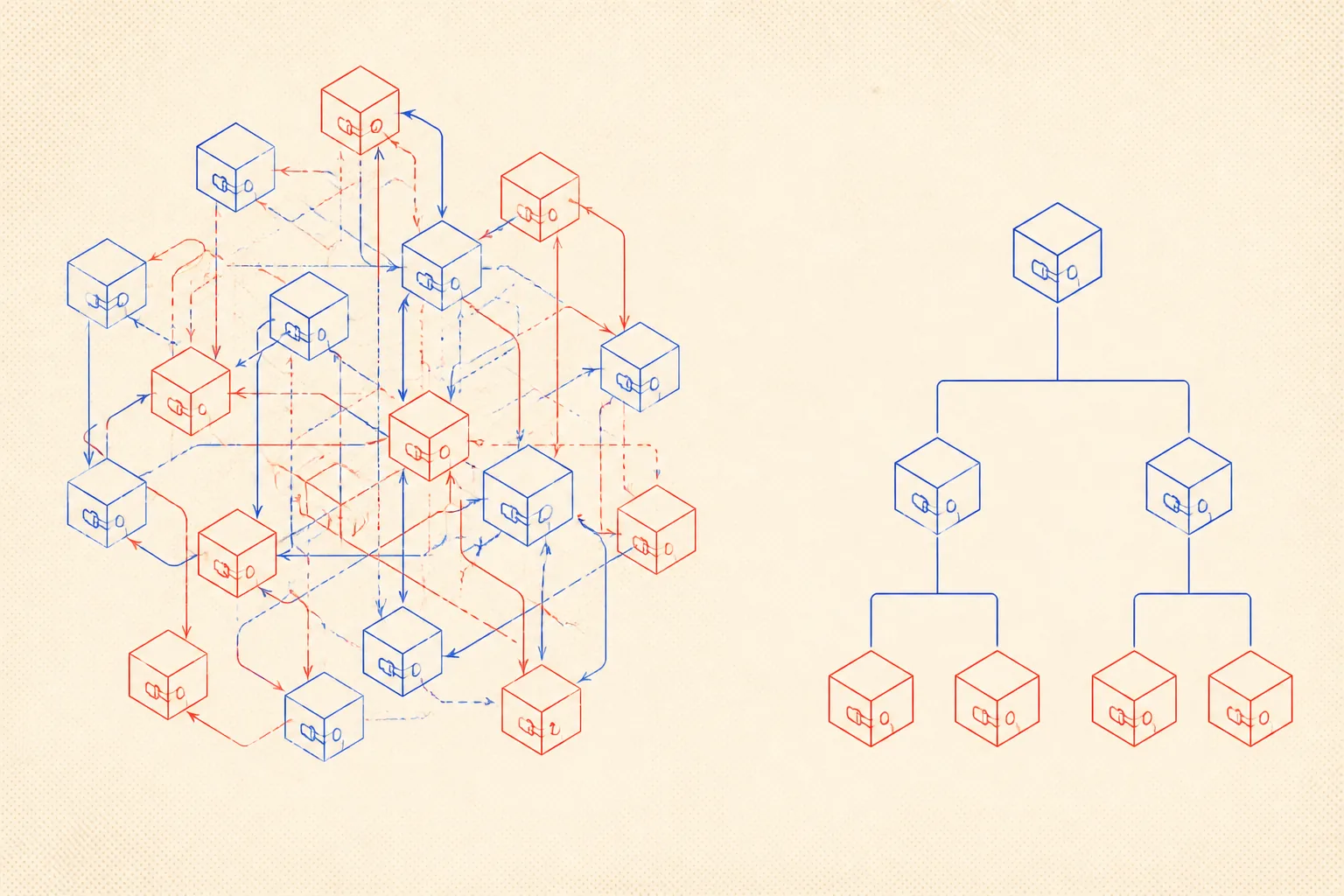
Open the source of any Elementor or Divi page. You will find deeply nested div soup, inline styles on every element, render-blocking scripts, and font files loaded from three different origins. That markup is the output of a drag-and-drop tool optimised for visual editing, not for the browser's layout engine or the crawler.
Largest Contentful Paint suffers because the hero image is loaded through a JavaScript-injected container that is not visible during initial paint. Cumulative Layout Shift spikes because the page builder reserves space dynamically after font load. Total Blocking Time climbs because every widget ships its own script bundle regardless of whether the widget is visible on this page.
The Jumpino View site scored 41 on mobile Performance when it was on WordPress. After the Next.js migration it scores 96. The content is identical. The difference is entirely in what the framework generates and how it loads assets.
You Own the Output, So Speed Is Yours
With Next.js you write the component, you decide the markup, you control the <head>. The next/image component handles responsive srcset, lazy loading, and modern format conversion automatically. You do not need a plugin for that. You do not pay a plugin author to stay awake.
import Image from 'next/image';
import type {FC} from 'react';

type HeroProps = {
  src: string;
  alt: string;
  headline: string;
};

// Replaces a WordPress "Hero Section" plugin block.
// next/image handles srcset, WebP conversion, and LCP prioritization.
const HeroSection: FC<HeroProps> = ({src, alt, headline}) => {
  return (
    <section className="relative isolate overflow-hidden">
      <Image
        src={src}
        alt={alt}
        fill
        priority          // marks this as LCP candidate
        sizes="100vw"
        className="object-cover -z-10"
      />
      <div className="mx-auto max-w-3xl px-6 py-24">
        <h1 className="text-4xl font-bold tracking-tight text-white sm:text-6xl">
          {headline}
        </h1>
      </div>
    </section>
  );
};

export default HeroSection;
That component is the entire replacement for a plugin that added 40 kB of JavaScript, a PHP backend endpoint, and three database queries per page load. The priority prop tells Next.js to preload the image and mark it as the LCP element. The browser gets a hint before it even parses the body. No configuration panel, no license key, no renewal email.
Forms, Contact, and the Last Plugin Holdouts
The two plugins that keep clients on WordPress longest are the contact form and the newsletter signup. Both have clean solutions in Next.js. A React Hook Form component plus a Route Handler does everything Contact Form 7 does, with zero PHP, zero database writes on the frontend server, and full TypeScript types on the submission payload.
// app/api/contact/route.ts
// Replaces Contact Form 7 + a mail plugin entirely.
import {NextRequest, NextResponse} from 'next/server';
import {Resend} from 'resend';

const resend = new Resend(process.env.RESEND_API_KEY);

export async function POST(req: NextRequest) {
  const body = await req.json();
  const {name, email, message} = body as {
    name: string;
    email: string;
    message: string;
  };

  if (!name || !email || !message) {
    return NextResponse.json({error: 'Missing fields'}, {status: 400});
  }

  const {error} = await resend.emails.send({
    from: 'contact@jumpinotech.com',
    to: 'gabriel@jumpinotech.com',
    subject: `Contact from ${name}`,
    text: `${message}\n\nReply to: ${email}`,
  });

  if (error) {
    return NextResponse.json({error: 'Send failed'}, {status: 500});
  }

  return NextResponse.json({ok: true});
}
That is the entire backend. Resend handles delivery. The frontend component calls fetch("/api/contact"...). No plugin, no SMTP configuration UI, no honeypot field you have to remember to add, no WP cron job managing the queue.

How an AI Coding Agent Keeps Long-Term Memory of a Next.js Project
Once the WordPress codebase is gone, the project is clean enough that an AI coding agent can operate it reliably across sessions. The key is persistent markdown context. An agent reading a well-maintained AGENTS.md at the project root knows the conventions, the commands, the environment variables, and the gotchas without being told again every time.
For the Wegweiser Leben migration I maintain an AGENTS.md that the agent reads at the start of every session. It covers the folder structure, the content authoring format (TypeScript modules for posts, exactly as I am using here), the deployment target, and the things that bit me during the migration. The agent does not guess. It reads the file and acts on it.
Markdown memory is not a workaround. It is the correct architecture for keeping an agent reliable on a project it visits non-continuously.
Here is a representative excerpt from the project's agent context file:
# AGENTS.md, Wegweiser Leben Next.js Project

## Stack
- Next.js 15 (App Router), TypeScript strict, Tailwind CSS v4
- Content: TypeScript modules in src/content/posts/ typed against Post in src/content/types.ts
- Images: next/image only, no raw <img>; WebP assets in public/blog/[slug]/
- Deployment: Vercel, auto-deploy on push to main

## Commands
- dev: npm run dev (localhost:3000)
- build: npm run build, must pass before any PR
- lint: npm run lint, ESLint + Prettier, no warnings allowed

## Content authoring
- Each post is a .ts file exported as default Post
- body array uses Block types (p, h2, h3, ul, ol, quote, code, callout, image)
- readingMinutes must match actual word count (approx 200 wpm)
- date field is ISO string, do not change after publish

## Gotchas
- Tailwind v4 uses @import "tailwindcss" not @tailwind directives
- next/font must be imported in layout.tsx only, not in individual components
- Route Handlers in app/api/ use NextRequest/NextResponse from 'next/server'
- RESEND_API_KEY must be set in Vercel env vars and in .env.local for local dev
- Do not add wordpress, elementor, or divi class names anywhere

## Known issues
- Large hero images above 1 MB will fail Vercel's 4.5 MB limit; compress first
When I open a new session and ask the agent to add a contact form or fix a build error, it reads this file first. It knows not to use raw <img> tags. It knows the content format. It knows where environment variables live. That is operational continuity without a handoff document or a long verbal briefing.
The Migration Checklist
Both Wegweiser Leben and Jumpino View followed the same sequence. It takes a focused weekend for a site with fewer than 20 pages.
- Export all content from WordPress (XML export or direct DB query).
- Convert posts and pages to TypeScript content modules.
- Rebuild navigation and layout as React components.
- Replace contact form plugin with a Route Handler and Resend.
- Replace SEO plugin with Next.js Metadata API and
next-sitemap. - Audit every image: compress, convert to WebP, move to
public/. - Run Lighthouse on each page, fix any LCP or CLS regressions.
- Write AGENTS.md with the full project context.
- Deploy to Vercel, point DNS, retire the old host.
That is it. No ongoing plugin subscriptions. No monthly security scans. No page builder license. The client pays for Vercel's hobby plan or nothing at all on a static export. The site is faster, safer, and cheaper to run. The only thing lost is the drag-and-drop editor that was causing half the problems in the first place.
WordPress made sense when the alternative was writing PHP by hand. The alternative today is a typed, component-based framework with a global CDN, automatic image optimization, and a deployment pipeline that takes 90 seconds. The calculus has changed. Stop maintaining what you can just replace.