 Jumpino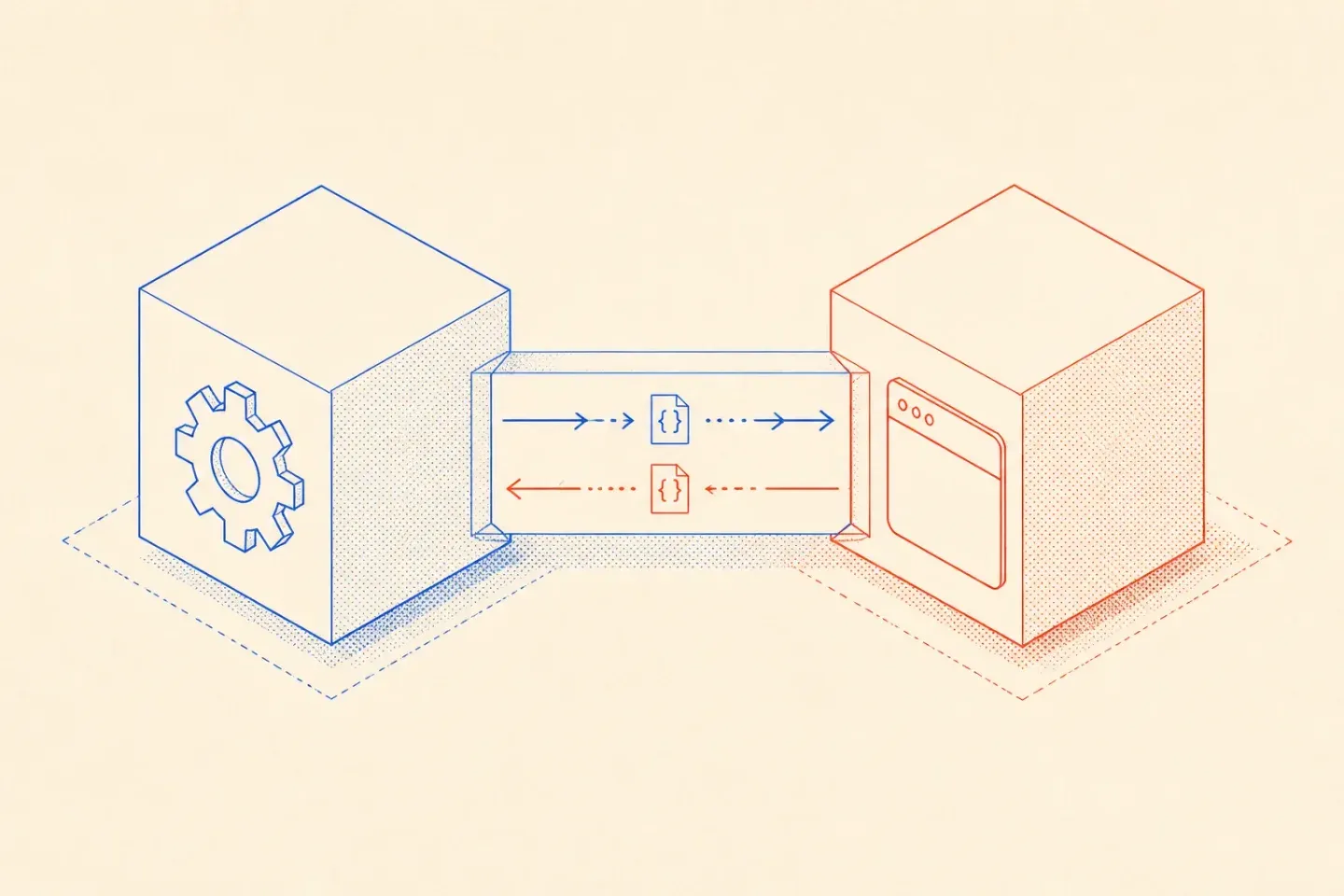
Updated
What runs where?
Tauri combines a web-based interface with native application code. Its architecture documentation explains the separation. For planning, I draw a boundary between presentation and privileged work before choosing the frontend library.
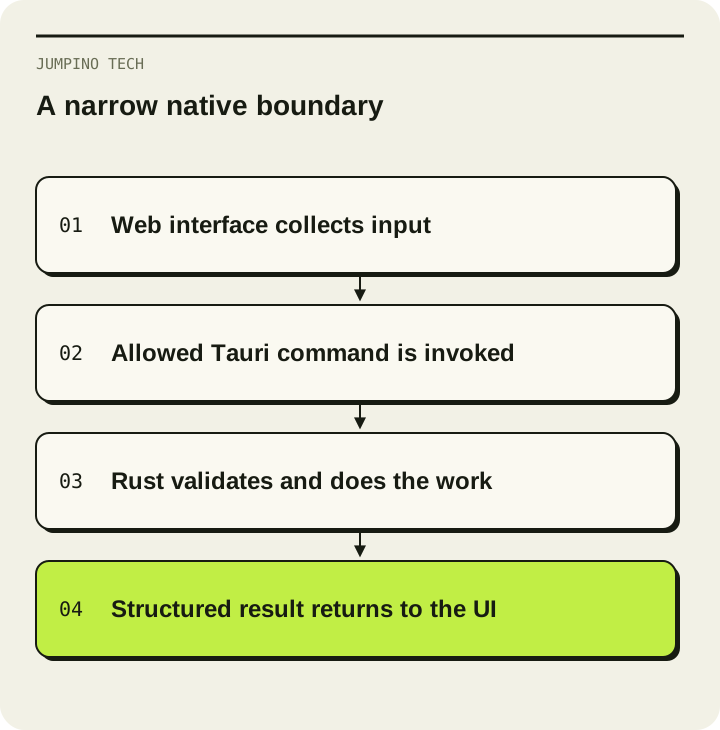
Imagine a tool that reads a folder of invoices and creates a local export. The interface handles selection, progress and errors. A narrow native command performs the permitted file operation. Avoid building a generic command that executes whatever a text field contains.
Define permission before implementation
Tauri's capability system controls access to commands for application windows and webviews. Review it alongside validation in your own Rust code. A permitted command still needs to reject invalid input.
For the invoice example, I would test a canceled file picker, a missing folder, an unreadable file and an export destination that becomes unavailable. The interface should preserve enough state for a retry and tell the user which operation failed.
| Boundary | A useful test |
|---|---|
| File access | Read only the selected location |
| Long task | Report progress and handle cancellation |
| Network | Recover from a timeout without duplicating work |
| Local data | Preserve existing records across an update |
| Error handling | Show an actionable message without exposing secrets |
Shipping includes the installer and update path
The distribution guide separates packaging and signing requirements by platform. Budget time for the operating systems you actually support. A successful development build on one machine is not acceptance evidence for all of them.
Install a release build on a clean account, launch it without development tools and test an upgrade with existing data. Measure startup, memory and package size on that build if those numbers matter to the product. I would not promise a fixed size or speed advantage before measuring the application.
When a browser is enough
If the work needs shared accounts, centralized data and access by link, a web application may be the simpler product. If local files, offline work or operating-system integration are essential, prototype that native operation first. before choosing the stack; the hardest operation is usually the best place to start