Every site I ship goes behind Cloudflare before it goes anywhere else. Not because it is fashionable. Because the free tier alone gives you a global CDN, a real web application firewall, DDoS mitigation, edge SSL, and fast authoritative DNS. That is a lot of infrastructure you do not have to operate. On top of that, Cloudflare injects a header with the visitor's country on every single request, and that header is the backbone of geo-based language detection on this site.
The Free Tier Does More Than You Think
Most people know Cloudflare as a CDN. It caches your static assets at edge nodes close to the visitor, so the response does not have to travel back to your origin server in Nuremberg for every request. That alone cuts perceived latency for European and American visitors by a real margin. But the CDN is the least interesting part.
The WAF is more interesting. The free plan includes the Cloudflare-managed ruleset. It blocks common attack patterns: SQL injection, cross-site scripting, directory traversal, known exploit payloads. I have seen it stop automated scanner traffic before it ever hits my origin. On a self-hosted VPS that traffic still consumes bandwidth and CPU if you let it through. Cloudflare eats it at the edge.
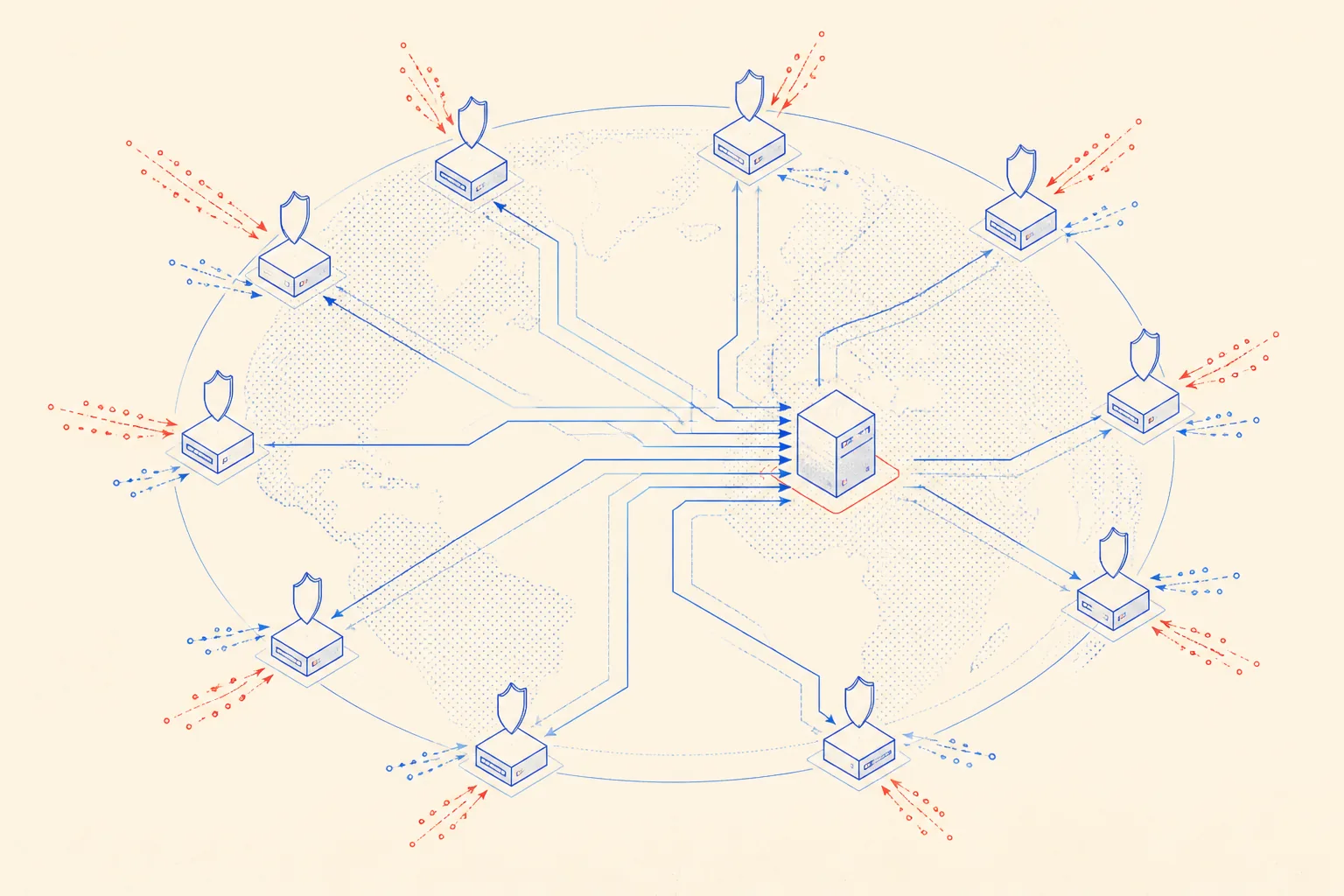
DDoS protection on the free tier is not a toy. Volumetric L3/L4 attacks are absorbed automatically. L7 application-layer attacks can be handled with rate-limiting rules and the Bot Fight Mode toggle. I have never had to manually intervene during an attack. The dashboard shows the traffic spike, the mitigation kicks in, and my VPS never sees it.
The Country Header That Powers Geo Routing
This is the feature that matters most for this specific stack. Cloudflare adds a cf-ipcountry header to every proxied request. The value is the ISO 3166-1 alpha-2 country code for the visitor's IP: DE for Germany, AT for Austria, IT for Italy, and so on. My Next.js middleware reads this header and decides which locale to serve.
The interesting case is South Tyrol. South Tyrol is a province in northern Italy where roughly 70 percent of the population speaks German as a first language. A visitor from South Tyrol gets IT from the country code. If I just routed on country code alone, they would get the Italian locale. That is wrong. My middleware checks the accept-language header alongside cf-ipcountry: if the country is IT but the browser language preference is de, the site serves German. Cloudflare provides the raw signal. My code provides the intelligence.
Without Cloudflare you can still do geo routing, but you need a separate IP geolocation service or a database. MaxMind's GeoIP2 database is accurate but it is another dependency to update and maintain. cf-ipcountry is free, always current, and already on the request. There is no good reason to do it any other way.
One VPS, the Whole World
My origin is a single Hetzner CPX31 in Nuremberg. Nuremberg is fine for Germany and the DACH region. For a user in New York or Singapore, hitting that box directly adds latency. With Cloudflare in front, cached responses are served from the nearest of their 300-plus edge nodes. Static pages, blog posts, images, and the built Next.js output are all cacheable. The origin mostly sees API calls, form submissions, and dynamic SSR renders that cannot be cached.
Cache rules let you be explicit about what gets cached and for how long. Blog posts: one day. Static assets in /_next/static/: thirty days. API routes: bypass. You configure this once in the Cloudflare dashboard or via their API and forget it. The origin server's Caddy or nginx does not need to think about caching at all. Cloudflare handles it at the edge.
- Global CDN: 300-plus edge locations, static content served near the visitor
- WAF: managed rulesets block OWASP Top 10 attack patterns on the free tier
- DDoS protection: L3/L4 always-on, L7 configurable with rate limiting
- Edge SSL: Cloudflare terminates TLS, so your origin only needs a self-signed or Let's Encrypt cert
- Bot Fight Mode: blocks known malicious bots at the edge, free
- Analytics: request counts, cached vs. uncached ratios, bandwidth saved
- cf-ipcountry header: visitor country injected on every request, no extra service needed
Trusting Cloudflare IPs on the Origin
One setup step that is easy to miss: your origin server needs to trust Cloudflare's proxy IPs and block direct connections. If you skip this, anyone who discovers your origin IP can bypass the WAF entirely. You lock this down two ways. First, configure your reverse proxy to only trust real visitor IPs when the request comes from a known Cloudflare IP range. Cloudflare publishes these ranges at cloudflare.com/ips. Second, on Hetzner, add a firewall rule that only allows port 443 inbound from Cloudflare IP ranges, so the VPS is not reachable directly.
Here is how I do it with Caddy. The trusted_proxies directive tells Caddy which upstream IPs to trust for headers like X-Forwarded-For and cf-ipcountry. The header_up line forwards the country code to the Node app as X-Visitor-Country.
# Caddyfile, trust Cloudflare IPs, read cf-ipcountry header
{
  servers {
    trusted_proxies static 103.21.244.0/22 103.22.200.0/22 103.31.4.0/22
      104.16.0.0/13 104.24.0.0/14 108.162.192.0/18 131.0.72.0/22
      141.101.64.0/18 162.158.0.0/15 172.64.0.0/13 173.245.48.0/20
      188.114.96.0/20 190.93.240.0/20 197.234.240.0/22 198.41.128.0/17
  }
}

:443 {
  tls {
    dns cloudflare YOUR_API_TOKEN
  }

  # Pass the geo country header downstream so your app can read it
  header_up X-Visitor-Country '{http.request.header.Cf-Ipcountry}'

  reverse_proxy localhost:3000
}Keeping Zone Config in a Markdown Memory File
I use Claude Code as a coding agent on all my projects. When an agent helps with infrastructure, it needs context that outlives a single session. Cloudflare zone settings, which headers to trust, cache rule logic, the API token location: none of this should be re-explained every time. My solution is a checked-in CLOUDFLARE.md file at the project root.
The file is not documentation. It is an ops cheat sheet the agent reads at the start of every session that touches networking or deployment. When a setting changes, I tell the agent to update the file. It becomes the persistent memory that survives context window resets.
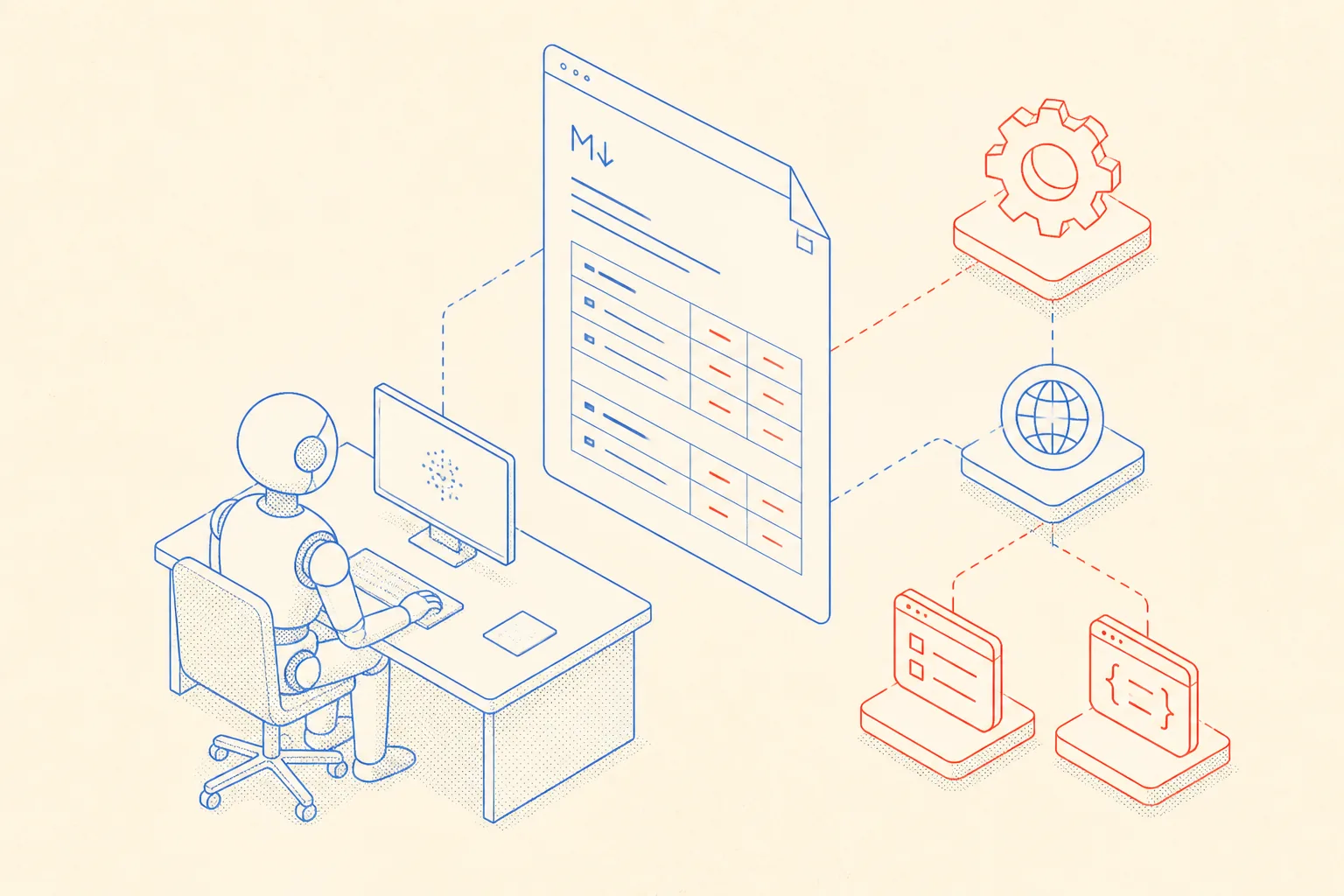
Here is a representative example of what that file looks like. Keep it factual and short. No prose. Just the things an agent would need to act correctly.
# Cloudflare Ops Memory

## Zone settings (applied in Cloudflare dashboard)
- SSL/TLS mode: Full (strict)
- Always Use HTTPS: on
- Min TLS Version: 1.2
- HSTS: enabled, max-age 31536000, includeSubDomains

## Trusted proxy IPs
Cloudflare publishes its IP ranges at https://www.cloudflare.com/ips/
Update the Caddy/nginx trusted_proxies list whenever Cloudflare rotates ranges.

## Headers we rely on
- cf-ipcountry: ISO 3166-1 alpha-2 country code for the visitor
  Used for: South Tyrol (IT) => route to German (de) locale
- cf-ray: Cloudflare request ID, useful in error logs
- cf-connecting-ip: real visitor IP after CF proxy

## Cache rules (Page Rules or Cache Rules)
- /blog/*   TTL 1 day, cache everything
- /api/*    Bypass cache
- /_next/static/*  TTL 30 days, cache everything

## WAF
- OWASP Core Ruleset: enabled, sensitivity medium
- Bot Fight Mode: on

## Notes for agent
- DNS A record for jumpinotech.com => Hetzner VPS IP, proxied (orange cloud)
- When changing origin IP: update Hetzner server, then update DNS A record in CF dashboard
- CF_ZONE_ID and CF_API_TOKEN stored in 1Password under "Cloudflare jumpinotech"
With this in the repo, a new session starts with context. The agent knows which headers to forward, which SSL mode is set, where the API token lives, and what the caching strategy is. It does not hallucinate settings or ask clarifying questions about things that should be known facts. The file is short enough to paste in full as an instruction and specific enough to be actionable.
When I Would Skip Cloudflare
Cloudflare is the right default for almost every project. But there are honest edge cases. If your origin is already on a distributed platform with its own edge network, adding Cloudflare in front adds a hop without much benefit. If you need strict end-to-end TLS with your own certificate chain and no intermediate proxy touching the traffic, Cloudflare's position in the middle is a problem. Some regulated industries have requirements around where DNS resolves and who proxies traffic that make Cloudflare a compliance risk rather than an asset.
For a self-hosted stack on a single VPS, none of those exceptions apply. The free tier does real work. The WAF, the CDN, the DDoS absorption, the country header, the analytics: you would spend real engineering time building equivalent coverage yourself. Cloudflare gives it to you for the cost of pointing your nameservers. That is an easy decision.
The South Tyrol routing case is a good illustration. Without cf-ipcountry, I would need a geolocation database, a cron job to keep it updated, and an extra lookup on every request. With Cloudflare, it is a header. The site serves the right language for trilingual South Tyrol because Cloudflare tells it where the visitor is, and the middleware has the logic to make the right call from there.