I ran on DigitalOcean for three years. Then AWS for a stretch. The pattern was always the same: start small, add services, watch the invoice creep past what any sane person should pay to host a few web apps and a database. Last year I moved everything to Hetzner. I have not regretted it once.
The Price Gap Is Not a Rounding Error
A Hetzner CPX31 gives you 4 vCPUs, 8 GB RAM, 160 GB NVMe, and 20 TB outbound traffic for roughly 15 EUR a month. The closest AWS EC2 equivalent (t3.large, comparable memory, managed EBS, data transfer) runs somewhere north of 80 EUR when you include egress at any real volume. That is not a 10% difference you can wave away. It is five times the money.
Hetzner dedicates the vCPUs. They are not oversold soft-cores that disappear when a noisy neighbor spins up. I have run sustained CPU loads on CPX instances and the numbers hold. You get what the spec sheet says.

Egress: The Hidden Tax You Stop Paying
Every major cloud provider charges you to move data out. AWS is famously expensive at $0.09 per GB after the first GB. GCP is similar. Azure slightly better but still punishing at scale. Hetzner includes 20 TB of outbound traffic in every VPS plan. Twenty terabytes. For most projects you will never touch that ceiling.
I serve video assets, large PDF downloads, and API responses that can be verbose. On AWS those traffic costs alone were adding $30 to $60 a month. On Hetzner they are zero because I stay inside the included allowance. A CDN in front (Cloudflare free tier is fine for most traffic patterns) means the origin barely sees raw egress anyway.
Egress fees are not a cost of doing business. They are a retention mechanism. The moment you accept that framing, switching vendors becomes easier.
NVMe Storage and Snapshots That Actually Work
The NVMe-backed local storage on CPX and CCX instances is fast. Not "cloud fast" where the spec sheet says SSD but the latency tells a different story. Actually fast. Sequential reads well above 1 GB/s in practice. For a Postgres database or a Next.js build cache that difference is tangible.
Snapshots cost 20% of the server price per month and are one API call away. I snapshot before every deployment. If something goes catastrophically wrong I can roll back in under two minutes via the Cloud Console or the REST API. The API is clean and well-documented, which matters when you want to automate this stuff.
- Snapshots: one-click or API, billed at 20% of the server monthly rate
- Floating IPs: reassign between servers instantly, no DNS TTL games
- Private networks: flat L2 between your servers inside a datacenter, free
- Volumes: attach/detach persistent block storage while the server runs
- Firewalls: stateful rules managed from the same panel or API
The Honest Tradeoff: You Own Uptime
Hetzner does not abstract away operations the way AWS does. There is no managed RDS, no ECS, no Lambda. You get a Linux box and a clean network. What you do with it is your problem. That is either terrifying or liberating depending on your background.
I solved the uptime problem in three layers. First, Ploi for server provisioning and deployments. Ploi talks to the Hetzner API, spins up servers, installs Nginx, PHP or Node runtimes, sets up SSL, and handles zero-downtime deploys via Git hooks. The UI is simple enough that I actually use it. Second, automated database backups to Hetzner Object Storage (S3-compatible) every six hours. Third, Cloudflare in front for DDoS protection, caching, and a global edge so the single-region VPS does not feel slow to users in Tokyo.
Provisioning and Hardening in 60 Lines
Ploi handles the runtime setup, but I still run a hardening script on every new server before handing it over. Here is the core of it. Nothing clever, just the basics that matter: disable password auth, set up a non-root user, configure UFW, and tune a few kernel parameters.
#!/usr/bin/env bash
# harden.sh, run once as root immediately after provisioning
set -euo pipefail

NEW_USER="deploy"
SSH_PUBKEY="ssh-ed25519 AAAAC3Nza... your-key-here"

# Create deploy user with sudo, no password prompt for deploys
useradd -m -s /bin/bash "$NEW_USER"
usermod -aG sudo "$NEW_USER"
echo "$NEW_USER ALL=(ALL) NOPASSWD:ALL" > /etc/sudoers.d/"$NEW_USER"

# Inject SSH key
mkdir -p /home/"$NEW_USER"/.ssh
echo "$SSH_PUBKEY" > /home/"$NEW_USER"/.ssh/authorized_keys
chmod 700 /home/"$NEW_USER"/.ssh
chmod 600 /home/"$NEW_USER"/.ssh/authorized_keys
chown -R "$NEW_USER":"$NEW_USER" /home/"$NEW_USER"/.ssh

# Harden SSH
sed -i 's/#PasswordAuthentication yes/PasswordAuthentication no/' /etc/ssh/sshd_config
sed -i 's/PermitRootLogin yes/PermitRootLogin no/' /etc/ssh/sshd_config
systemctl restart sshd

# UFW: allow SSH + HTTP + HTTPS only
ufw default deny incoming
ufw default allow outgoing
ufw allow 22/tcp
ufw allow 80/tcp
ufw allow 443/tcp
ufw --force enable

# Kernel hardening: disable IP forwarding unless you need it, enable SYN cookies
cat >> /etc/sysctl.d/99-harden.conf <<EOF
net.ipv4.ip_forward = 0
net.ipv4.tcp_syncookies = 1
net.ipv4.conf.all.rp_filter = 1
net.core.somaxconn = 65535
EOF
sysctl --system

# Unattended security upgrades
apt-get install -y unattended-upgrades
dpkg-reconfigure -f noninteractive unattended-upgrades

echo "Hardening complete. SSH as $NEW_USER."
After this runs, Ploi takes over. Point it at the server IP, select the runtime stack, drop in the repo URL and a deploy key, and the first deploy goes through in about three minutes. Subsequent deploys are triggered by a Git push and complete in under 30 seconds for most Node apps.
Running This With an AI Coding Agent
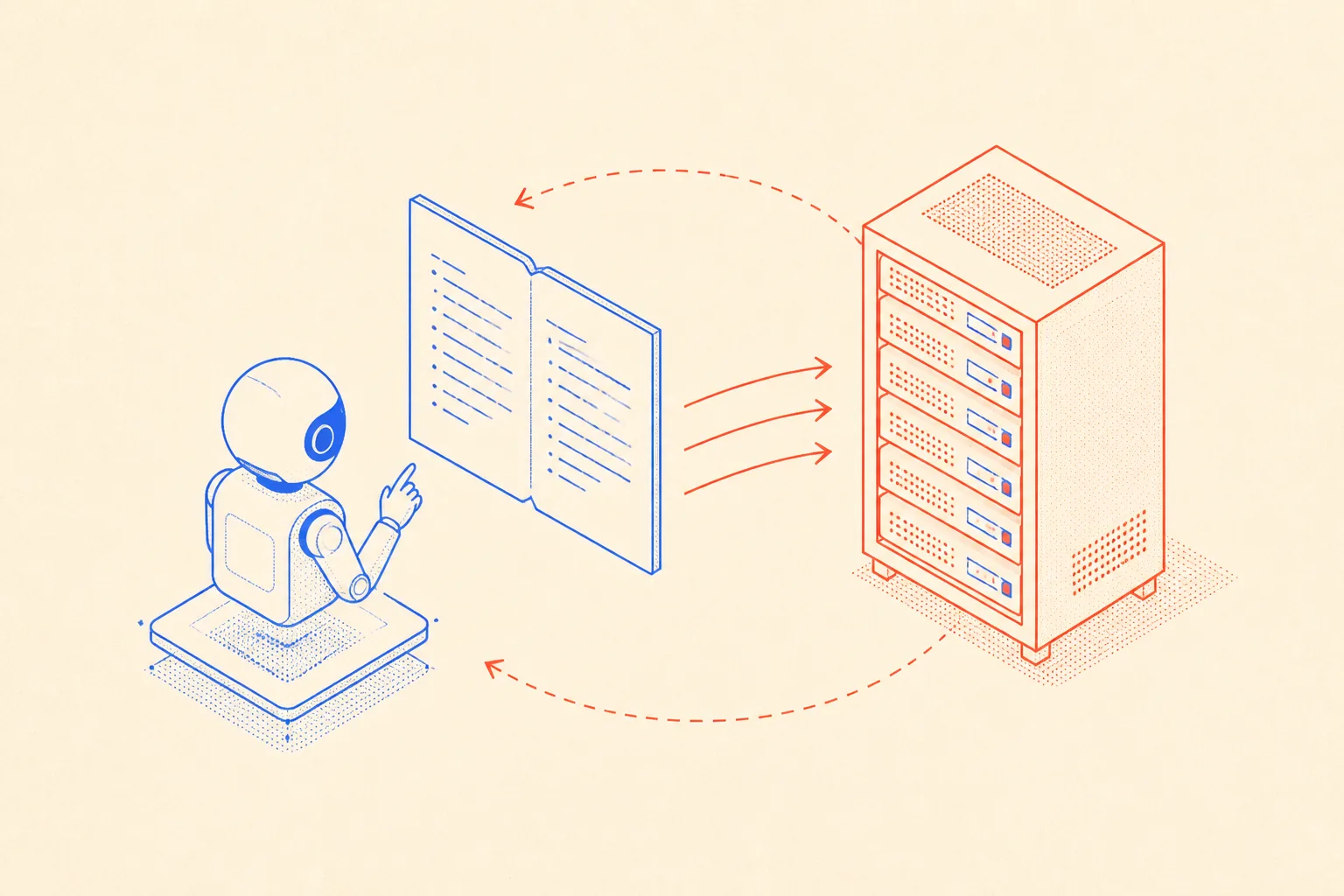
I use Claude Code as a coding agent on most of my projects. One thing that matters a lot when an agent manages infrastructure is long-term memory. The agent does not remember your server IPs, your UFW rules, or the reason you chose port 9000 for the metrics endpoint. Every session it starts fresh unless you give it persistent context.
My solution is a checked-in HETZNER.md file at the project root. The agent reads this at the start of any infra-related session and has the full picture: server specs, IP addresses, deployed services, backup schedules, known gotchas. When something changes, I tell the agent to update the file. It becomes the source of truth that survives context window resets.
The file is short and opinionated. No prose, just facts the agent can act on. Here is a real example of what that looks like:
# Hetzner Infrastructure Memory

## Servers
| Name        | IP            | Type   | Region | OS           |
|-------------|---------------|--------|--------|--------------|
| web-prod     | 65.21.xxx.xxx | CPX31  | HEL1   | Ubuntu 24.04 |
| db-prod      | 65.21.yyy.yyy | CPX21  | HEL1   | Ubuntu 24.04 |

## Deploy user: `deploy` (no-password sudo)
## SSH key: ed25519, stored in 1Password under "Hetzner deploy key"

## Services on web-prod
- Nginx 1.26, proxy to Node :3000
- PM2 manages the Node process (app name: `jumpinotech`)
- SSL via Let's Encrypt, auto-renew via certbot systemd timer
- Cloudflare proxied: DNS A record points to 65.21.xxx.xxx

## Database (db-prod)
- Postgres 16, port 5432, bound to private network only (10.0.0.x/24)
- Backups: pg_dump every 6h via cron, upload to Hetzner Object Storage bucket `db-backups-prod`
- Restore: `hetzner-restore.sh` in /home/deploy/scripts/

## Firewall (UFW on both servers)
- 22, 80, 443 open on web-prod
- 22, 5432 open on db-prod (5432 restricted to private network only)

## Snapshots
- Taken manually before each major deploy via Hetzner Cloud Console
- Naming convention: `web-prod-YYYY-MM-DD-pre-deploy`

## Known Gotchas
- Private network interface is eth1, not eth0, use this for DB connection string
- Ploi deploy hook URL changes if you delete and recreate the site; update GitHub webhook
- Object Storage endpoint: `https://fsn1.your-objectstorage.com`
With this file in the repo, I can open a new session, say "check the backup script on db-prod," and the agent knows the IP, the user, the script path, and the storage endpoint without me repeating any of it. It reads the markdown, forms a plan, and executes SSH commands or API calls with the right context. No hallucinated IPs, no guessing at service names.
When Hetzner Is Not the Right Answer
Hetzner datacenters are in Germany, Finland, and the US (Ashburn and Hillsboro). If your compliance requirements need data residency in APAC or you need single-digit millisecond latency to users in Sydney, you are looking at a hybrid setup or a different provider. For European and North American workloads it is fine.
Managed services are also absent. If you need a managed Redis cluster, managed Kafka, or a serverless function runtime, you will bolt those on from elsewhere or run them yourself. For me that is not a dealbreaker. For a team without ops experience it might be. Ploi covers a lot of the gap for web apps specifically, but it does not replace a full PaaS.
For everything else, the economics are hard to argue with. Dedicated cores, real RAM, NVMe storage, generous egress, clean API, and a European company that does not bury fees in the fine print. If you run web apps, side projects, or internal tools and you are still on a hyperscaler out of habit, pull your last three bills and do the math. The numbers will make the decision for you.